Shared shopping lists
One grocery list both of you can add to — no more screenshots or double-buying.
Read the guide
 Listr: Shared ListProductivity · iPhone & iPad
Groceries, to-dos, projects, packing, plans. Make a list in seconds, share it with a link, and it stays perfectly in sync with everyone, on every device.

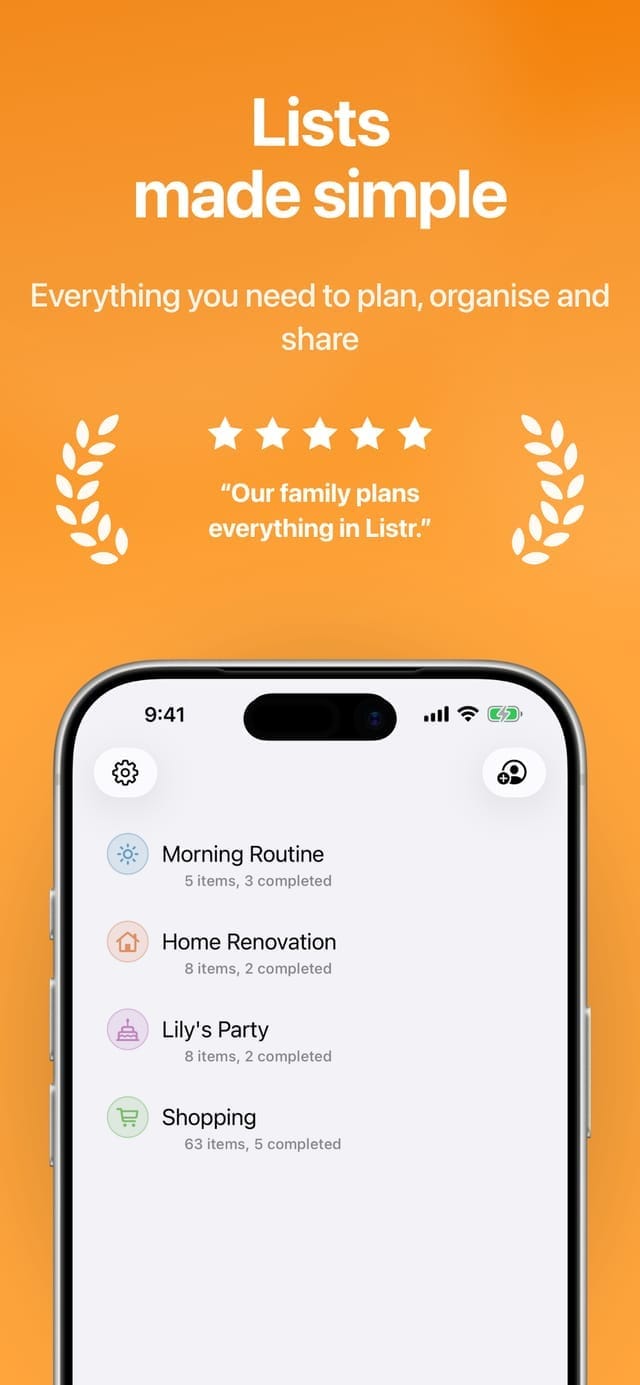
Stop texting screenshots of the shopping list. One shared list, always up to date, for everyone in the house.
Shared lists that stay in sync with everyone.
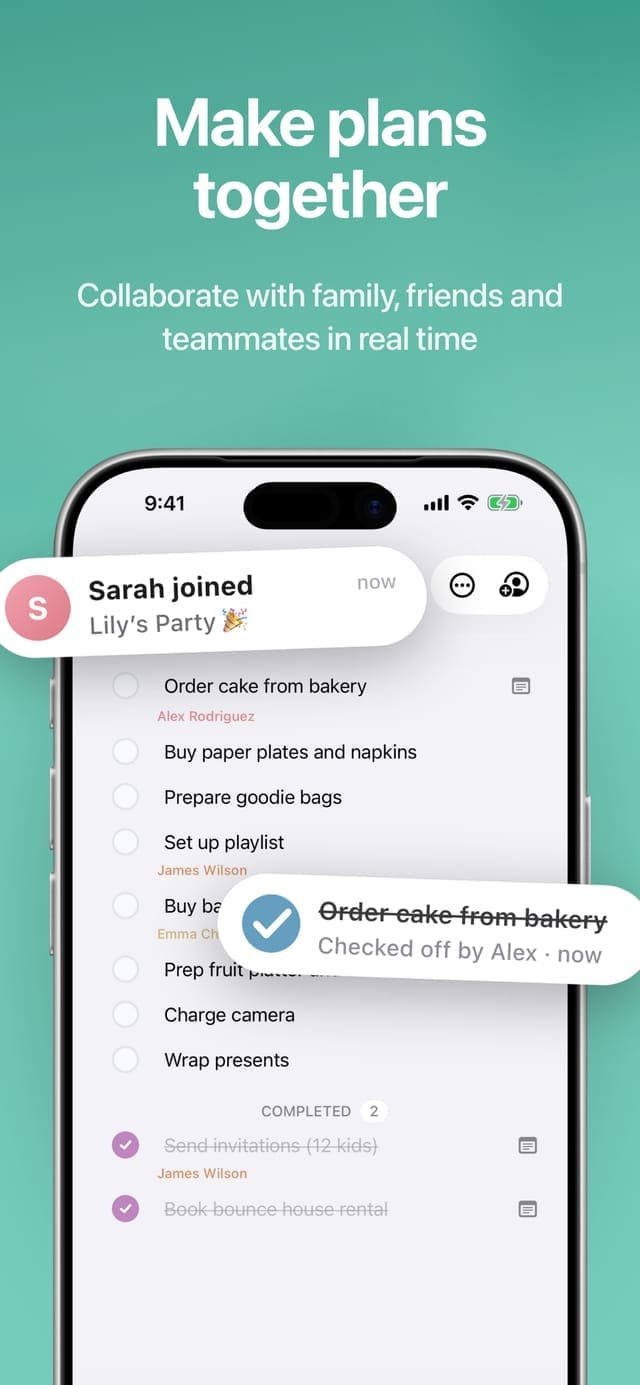

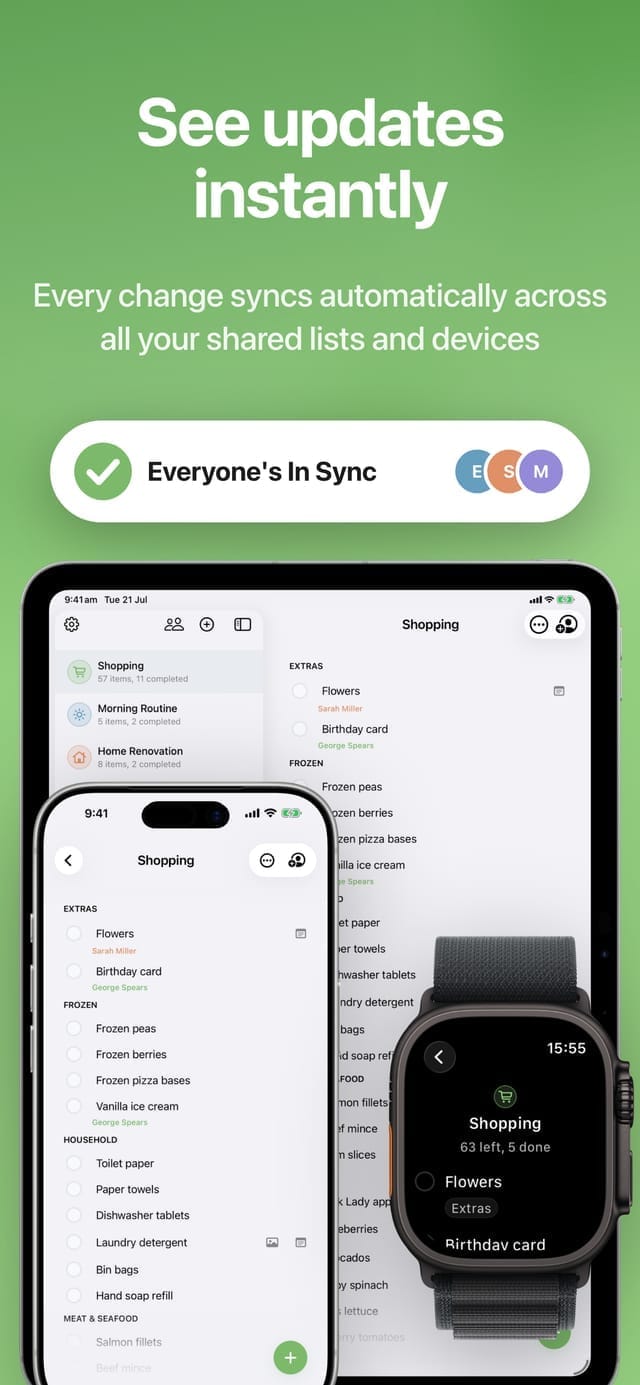
From empty list to everyone in sync, in about a minute.
Name it, pick a colour and an icon. Shopping, Weekend Away, Home Renovation — whatever you need, in about five seconds.
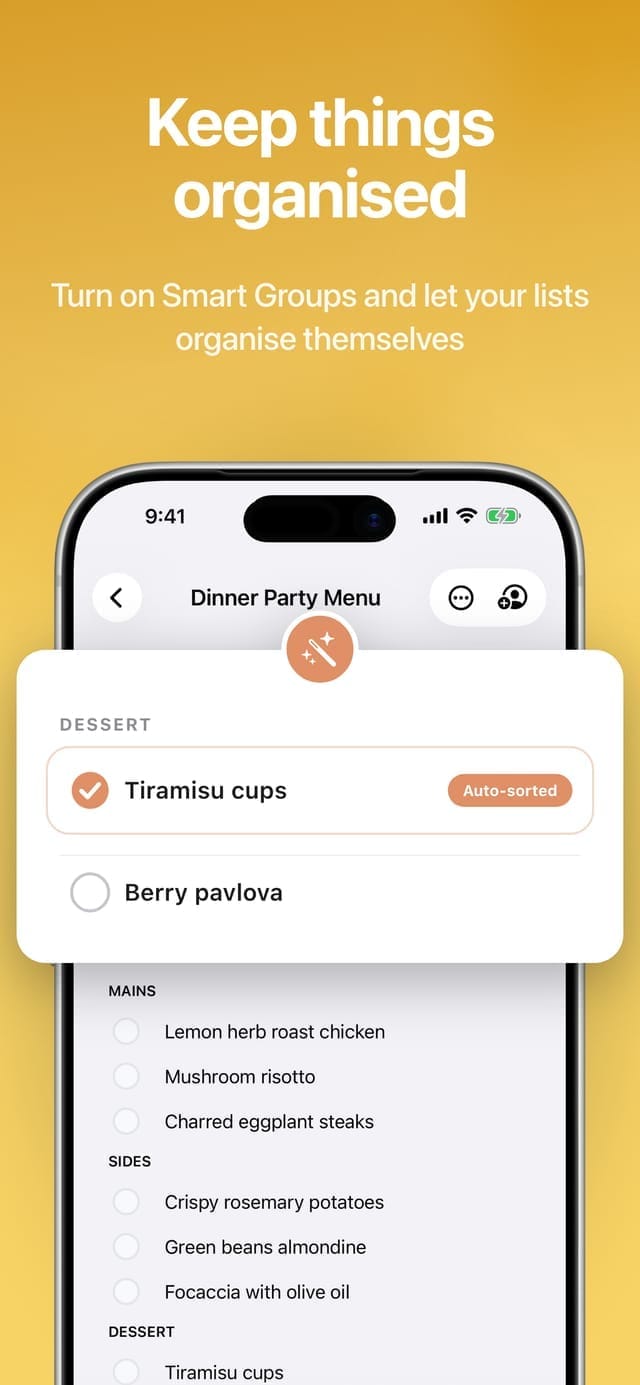
Type and tap. With Auto-Group on, everything files itself into sections like Fruit, Dairy, Frozen Foods and Household Supplies as you go.
Send one link by message and whoever opens it joins the list — no email address, no phone number, no sign-up. Sharing is a Pro feature, and one Family plan covers up to six people.
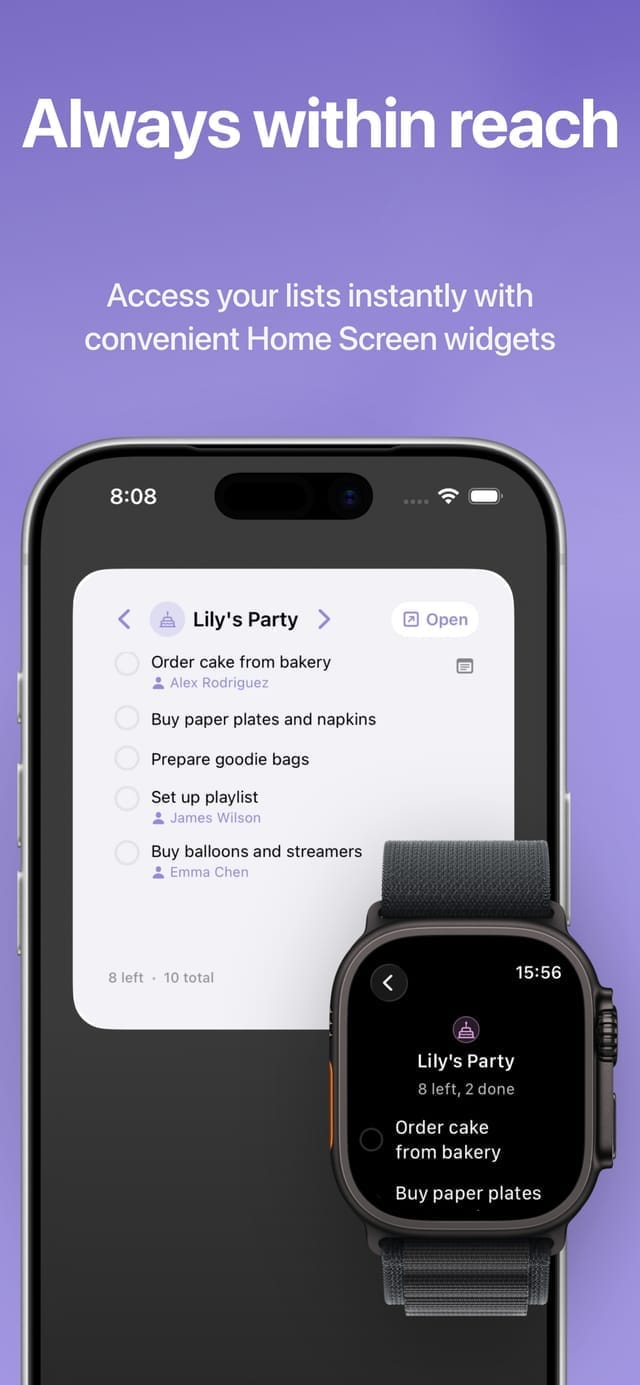
Every add, tick and edit appears on everyone’s devices instantly — iPhone, iPad, Apple Watch and the Home Screen widget.
Why people choose Listr: Shared List.
Type, hit return, keep going — a whole week’s shopping lands in one pass. Scribble with Apple Pencil on iPad, or add from the widget without opening the app at all.
Auto-Group files new items into sections — Fruit, Dairy, Frozen Foods, Household Supplies and 20-odd more — as you type, so a shopping list comes out ordered roughly by aisle. Make your own groups and it learns to file into those too.
Invite family, friends or housemates with a simple shareable link. No email addresses, no phone numbers, no accounts to chase.
Powered by iCloud. Someone ticks off milk in the supermarket and it disappears from your list before you reach the aisle.
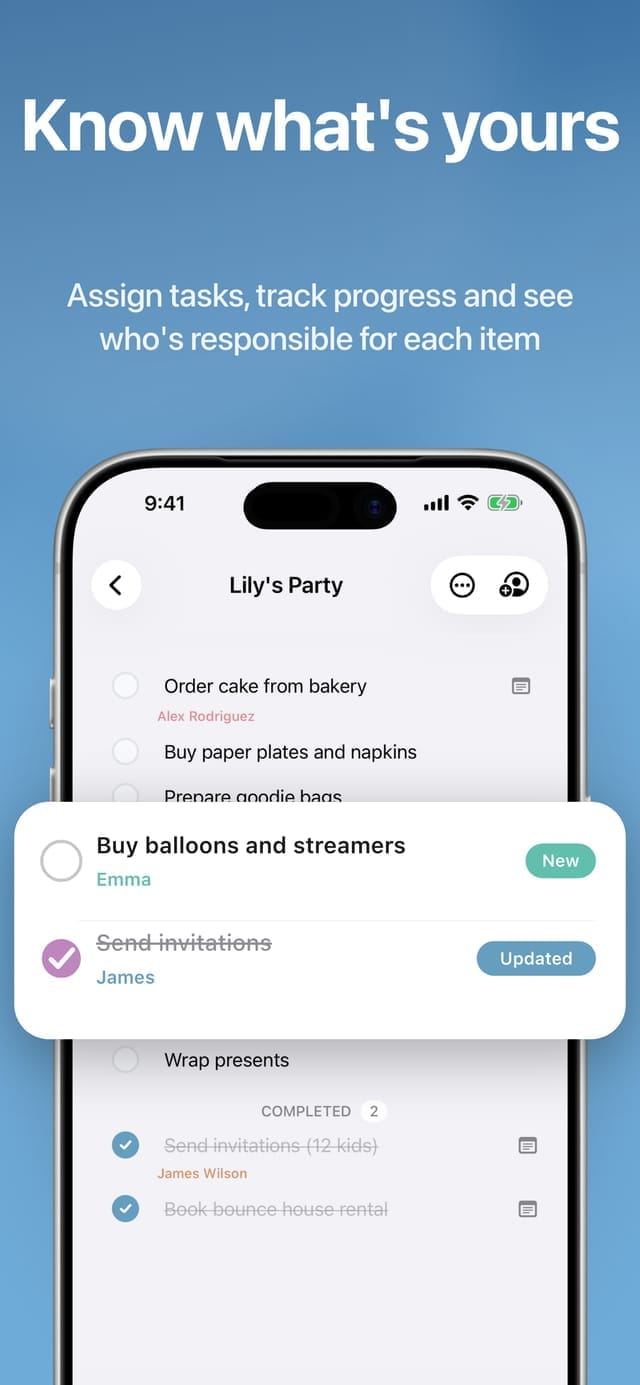
Everyone on a list gets their own colour and photo, so you can see who added or ticked each item. Assign one to a person and they get a notification, and the list’s activity log keeps the whole history — added, checked off, renamed, moved.
Attach a note or a photo to any item so nobody comes home with the wrong brand — then filter a long list down to what’s assigned to you, or just the items carrying notes and photos.
How people actually run their lists together — and how to set each one up in seconds.
One grocery list both of you can add to — no more screenshots or double-buying.
Read the guideLet everyone in the house add to the list — and see who added what.
Read the guideDivide work with a partner or housemate without a project management tool.
Read the guideBuild a packing list once, share it, and reuse it every trip.
Read the guideWhy link sharing beats email invites — and what stays private when you share.
Read the guideQuick answers to the questions people ask before downloading.
Get Listr — shared shopping lists, to-dos and checklists that stay in sync with the people who matter.
On the App Store for iPhone & iPad · Privacy Policy · Terms of Use